Docker Explained Like You're 5: The Magic Toy Boxes
Written by Alex Rivers
Published on 24 May 2026
Have you ever built a giant, beautiful castle out of wooden blocks and Lego pieces? It took you hours! You want to show it to your best friend who lives across the street. But if you carry it over, the castle might fall apart, or some pieces might get lost.
And what if your friend’s play table is smaller than yours, and the castle doesn’t fit?
This is exactly what computer programmers face every day. They build cool software (like games or websites), but when they try to run it on someone else's computer, it often breaks because that computer has different "rules" or is missing some pieces.
Let's learn how a friendly whale named Docker fixes this!
1. The Big Mess (Why we need Docker)
Imagine you want to play a computer game. To play it, you need a few things:
- The game itself (the toys)
- A helper program (the play mat)
- Special settings (the game rules)
Now imagine your brother wants to play a different game on the same computer, but his game needs a different helper program that doesn't get along with yours. If you install both, they might fight and crash!
In the computer world, we call this the "It works on my machine!" problem.
2. The Magic Toy Boxes (Containers)
To stop the games from fighting, Docker gives us Magic Toy Boxes (programmers call these Containers).
 Each game gets its own isolated box so they never fight!
Inside each magic box, you put:
- Your game.
- The exact helper program it needs.
- The exact rules it wants.
Because the box is made of strong, clear plastic, the game inside can't see or touch the other games. They are completely separated! You can run ten different games on the same computer, and they will never fight because they are all in their own magic boxes.
3. The Magic Recipe Paper (Dockerfiles & Images)
How do we make these magic boxes? We use two special steps:
The Blueprint (Dockerfile)
First, you write down the instructions on a piece of paper. For example:
- Start with a clean plastic box.
- Put in the blue blocks.
- Add the game program.
- Press the start button!
The Toy Box Model (Docker Image)
Once you follow the blueprint, Docker freezes it into a master model. This is called an Image. It is like a toy castle that is frozen in ice. It cannot change, and it is ready to be copied.
 The blueprint teaches Docker how to freeze the toys into a perfect model.
When you want to play, Docker takes this frozen model, melts it, and turns it into a real, live toy box you can play with (a Container). You can make a hundred identical toy boxes from just one master image!
4. Shipping the Toy Boxes (Running it Anywhere)
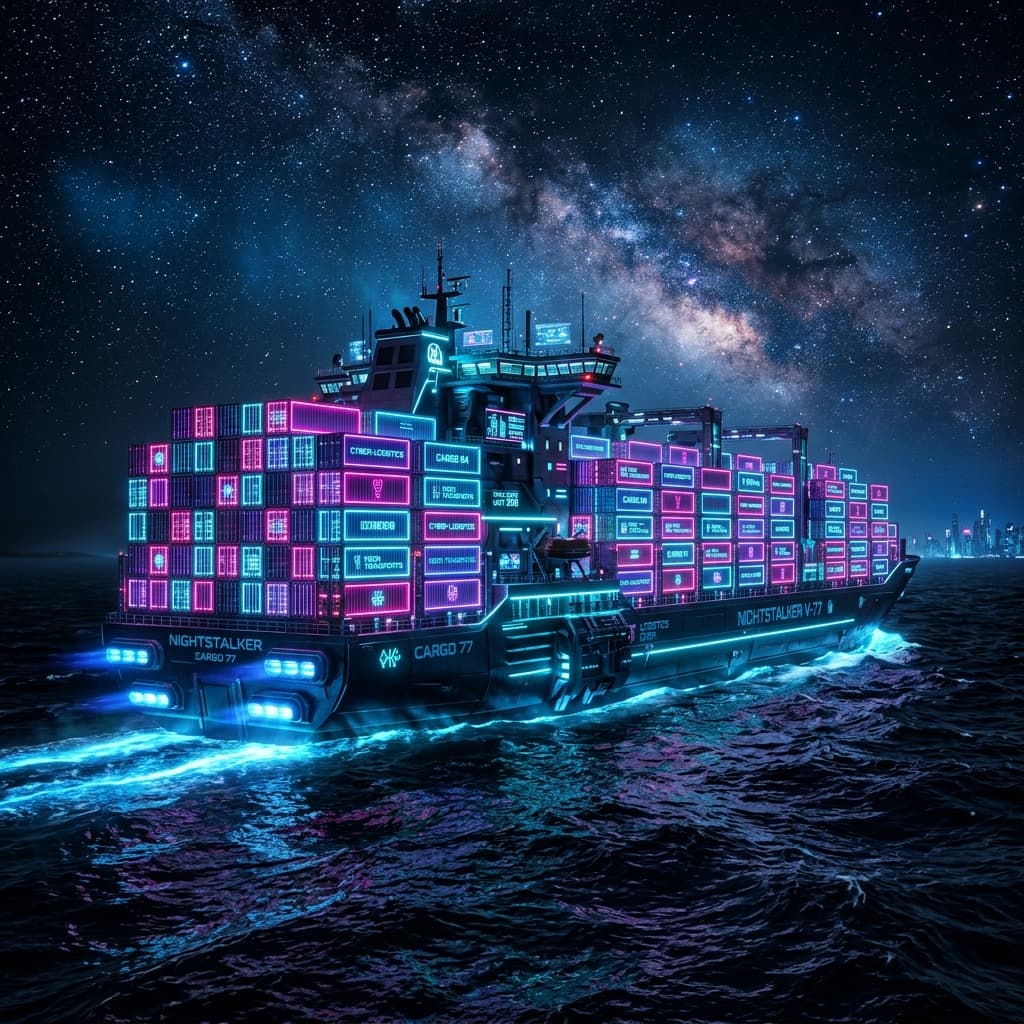
Because everything the game needs is packed inside its magic toy box, you can put the box on a giant cargo ship and send it anywhere in the world.
 Docker cargo ships can carry your magic toy boxes to any computer in the universe!
Whether you send it to a laptop, a giant computer in the cloud (a server), or even a tiny computer like a Raspberry Pi, the box will open and run exactly the same way.
No missing pieces, no falling apart, and no arguments!
Summary: The Magic Words
- Dockerfile: The recipe card.
- Docker Image: The frozen master model of the toy box.
- Docker Container: The actual toy box you open and play with.
Now, whenever you want to share a game, you don't need to worry about your friend's computer. You just give them the Magic Toy Box, and they are ready to play!